


Govee
Govee RGBIC Neon TV Backlight 3m – Smart WiFi LED Ambient Light
Govee RGBIC Neon TV Backlight 3m – Smart WiFi LED Ambient Light
Regular price
$77
Quantity
Couldn't load pickup availability
Transform your viewing experience with the Govee RGBIC Neon TV Backlight, engineered to deliver dynamic ambient lighting that elevates both gaming sessions and cinematic moments.
This 3-meter installation fits 48-55 inch and 65-75 inch displays seamlessly, using intelligent color synchronization to create an immersive visual environment. The H61B2 model projects vivid, responsive lighting that extends your screen's color palette into the surrounding space, reducing eye strain during extended viewing while adding sophisticated aesthetic appeal to your entertainment setup.
- Segmented RGBIC Light: Change colors, brightness, and effects simultaneously.
- Optimized Lighting: Made from neon casing for a brighter area.
- Stay Hands-Free: Smart voice control with Alexa and Google Assistant.
- Flexible Installation: Covers 48-55 inch TVs and 65-75 inch TVs,
- Govee Home Features: Customize colors or sync with your music.
- RGBIC Lighting
- Voice Control
- APP Control
Govee Neon TV Backlight, More delicate and mesmerizing lighting effects, Ordinary Light Strip, Lights are dim and not clear enough, 10,000,000+, Registered Users, DIY
Mode, 11 Music Modes, 64+ Scene Modes RGBIC Colors
Mode, 11 Music Modes, 64+ Scene Modes RGBIC Colors
Install with Ease:
Step1
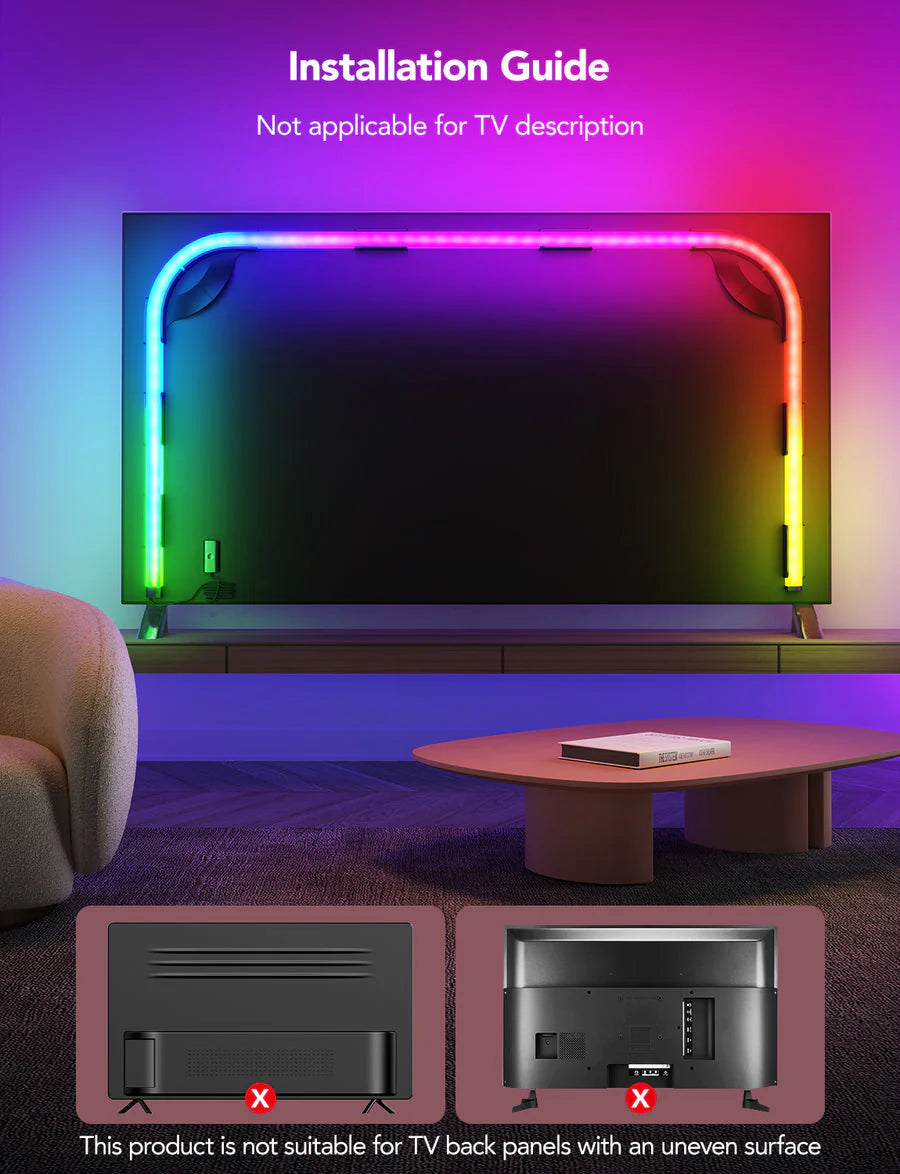
Wipe the back panel of the TV to make sure its surface is dry and clean before attaching the mounting clips. Select the positioning card according to the size of your TV, A or B.
Step 2
Stick the positioning card to the back edge of the TV as shown in the image. Install the mounting clips one by one based on the size of the TV as indicated by the positioning cards. Press each clip for 10 seconds to ensure they are fully attached.
Step 3
● For curved back panels, the corner mounting clips may need to be flexed when pressed onto the back panel to ensure they are attached correctly.
● Always face the bottom side of the clip with the longer wall to the inner area of the back panel for better lighting effects.
● Always face the bottom side of the clip with the longer wall to the inner area of the back panel for better lighting effects.
Step 4
After installing all the clips, slowly remove the positioning cards. Starting with the mounting clip at the bottom right (facing the back panel), install the strip light on the mounting clips counterclockwise.


More from Govee
-
Govee Uplighter Floor smart magic Lamp
Regular price $200 -
Govee TV Backlight T2 (55-65inch)
Regular price $115 -
Govee TV Backlight T2 75 85 inch
Regular price $135


