PXN V3PRO Gaming steering wheel Compatible with PS3,PS4, N-Switch,XBox One, Xbox Series S|XP, C windos 7/8/10(MAC system not supported)
Built-in dual vibration motor to bring you a more realistic racing experience;
Imitation racing wheel ergonomics design,180° linear steering wheel, hand-held anti-slip wave design;
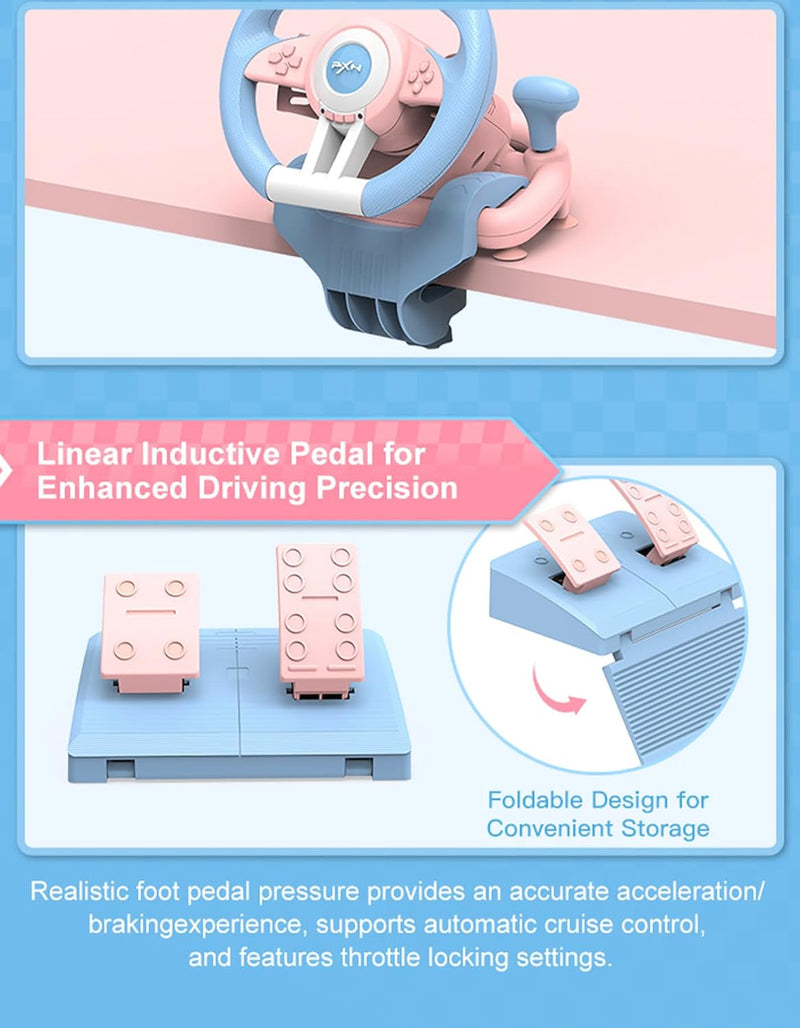
Linear pedals,support automatic battery life,experience more sensitive and precise braking effects;
7 strong suction cups and a U-shaped fixed bracket make the game wheel easy to fix on the table;
With X-input and D-input on PC, plug and play PC steering wheel;
Auto-calibration function (driver installation is required);
Super-running left and right shift paddles and manual shift lever design.
Using on PS4, PS3
Step 1: Power OFF the original PS4 controller.
Step 2: Use a Micro USB cable to connect PS4 original controller with guidance port of the steering wheel.
Step 3: Plug the USB interface of steering wheel into PS4.
Step 4: Press "HOME" button on steering wheel, red mode displays ON when connected successfully .
Note: You need to pair with the original PS4 wired controller to boot. If it is not the original controller, they will not be able to connect successfully.